How to Track Calories When Someone Else Cooks for You (Hostel, Buffet, College Mess, etc.)
How do i figure out my target calories or maintenance calories?
Step 1
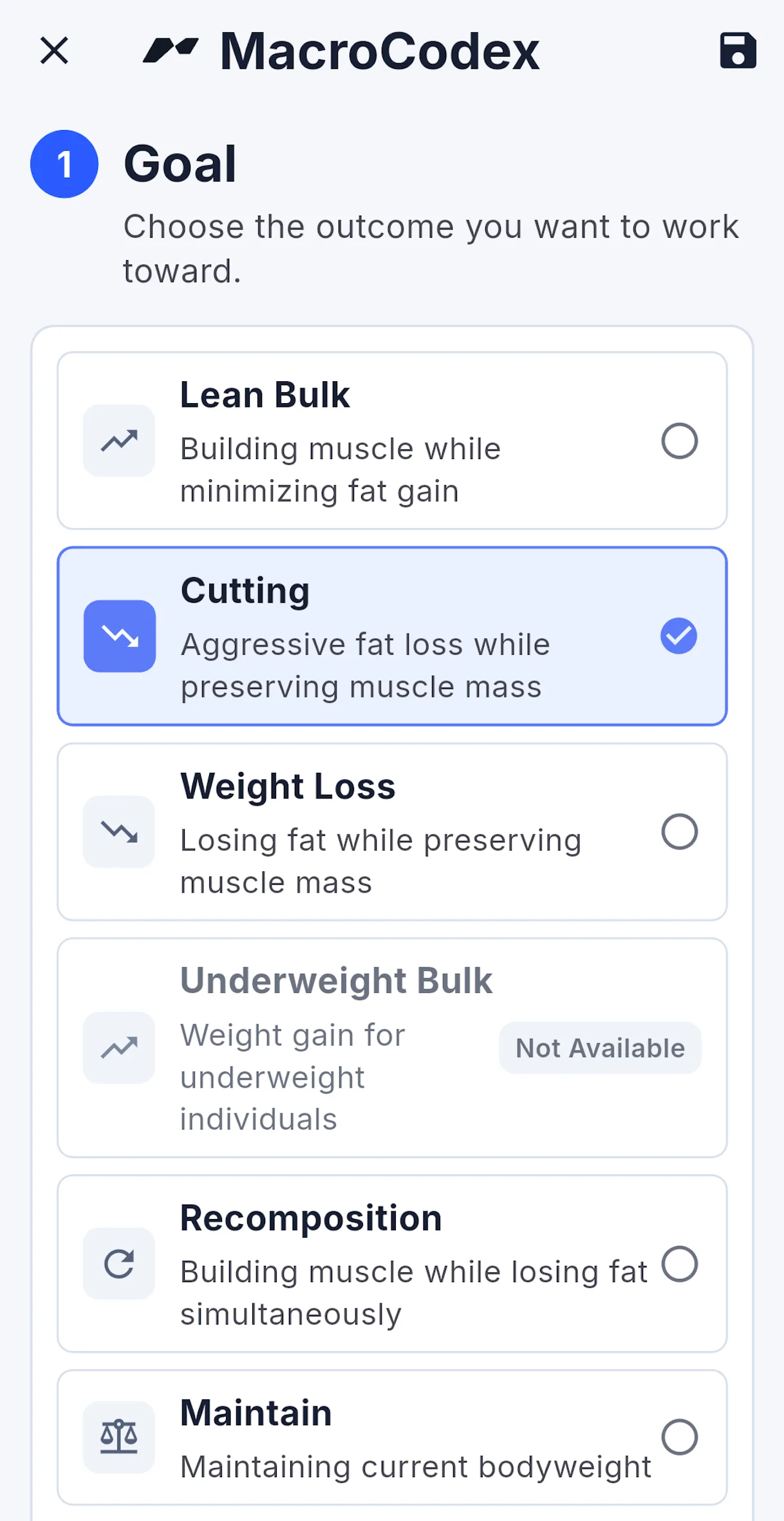
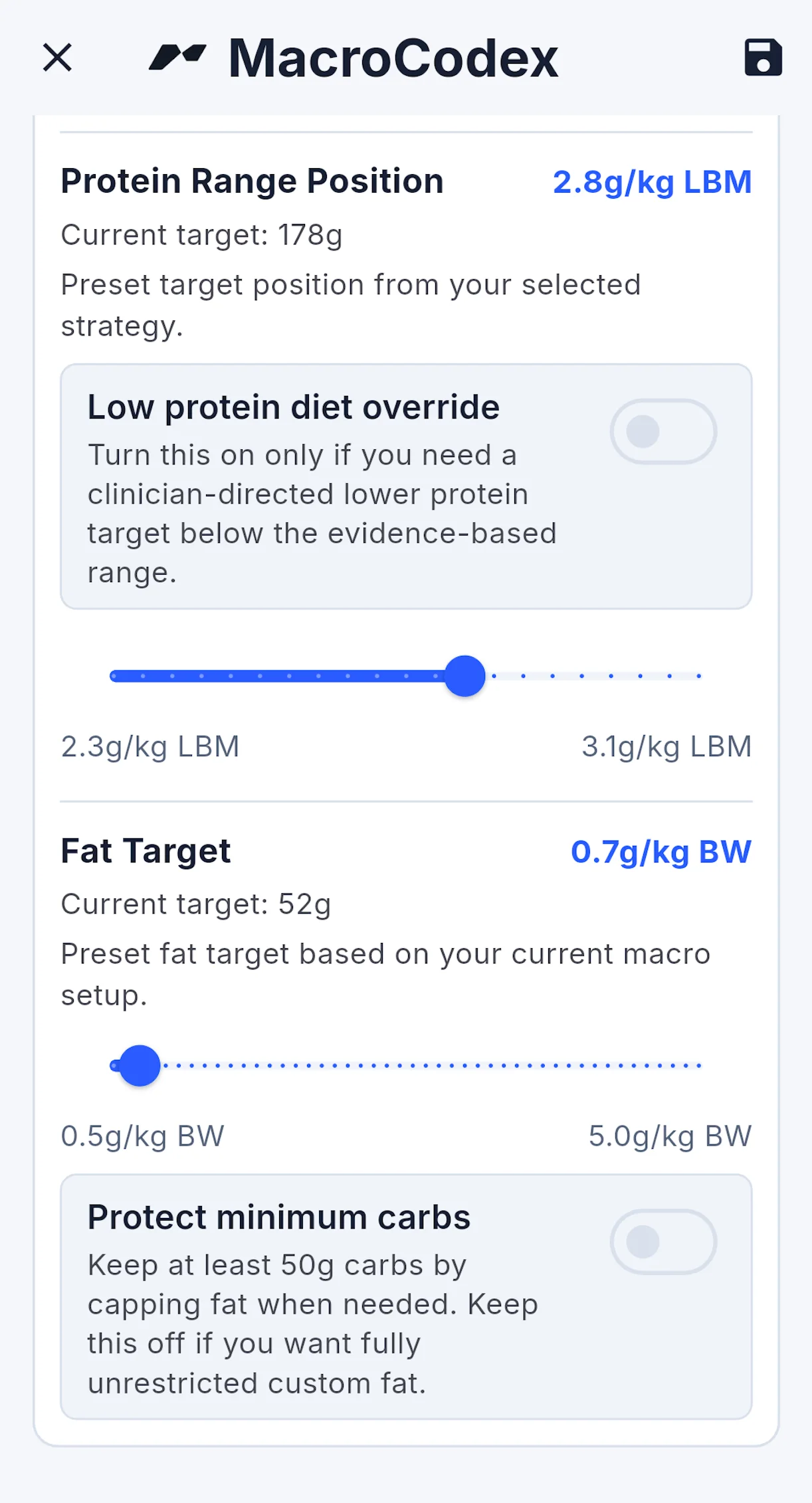
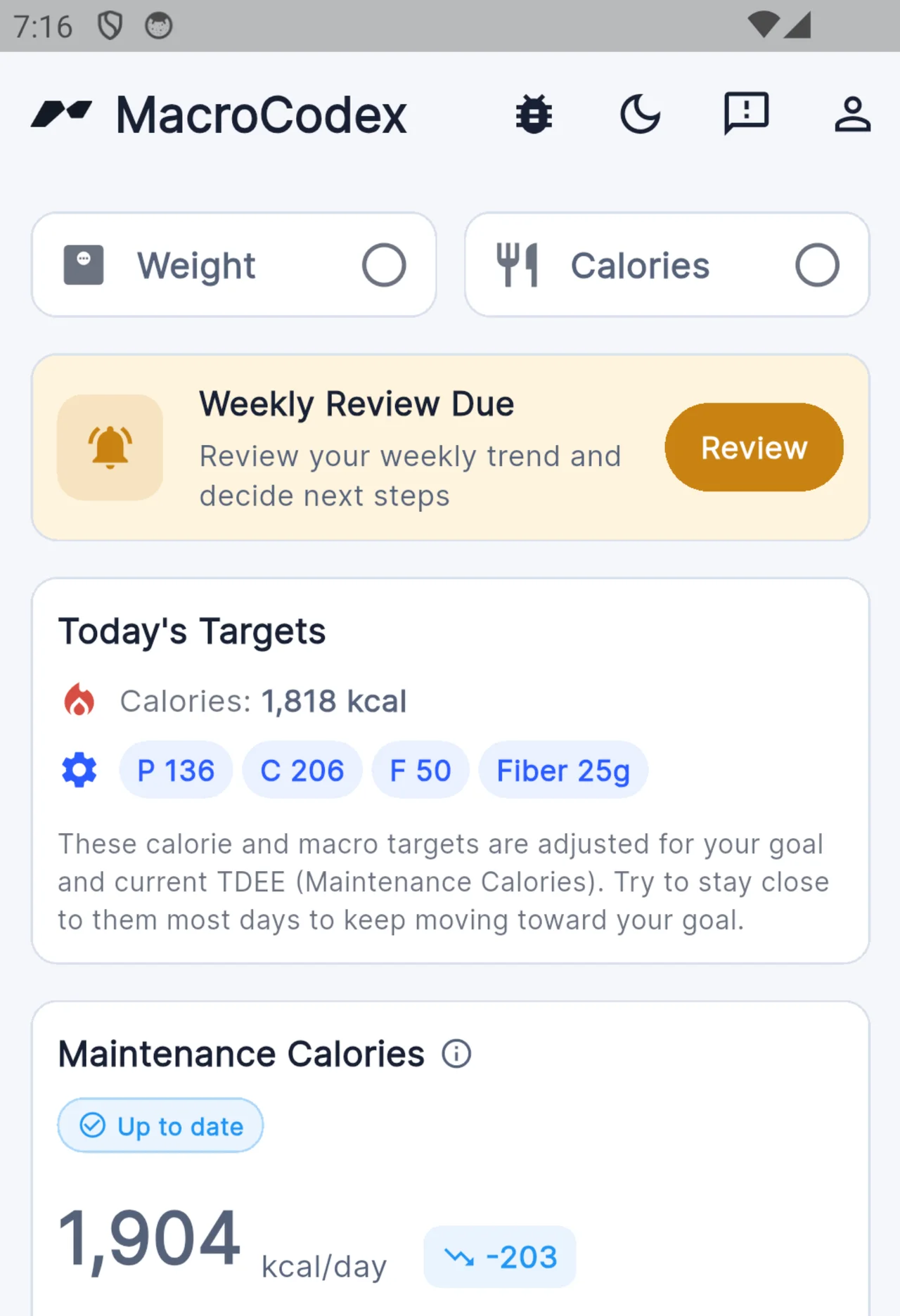
Photo-to-Calorie Tracking (MacroFactor, Cal AI)
A photo simply does not contain enough information to accurately estimate calories.
For example, if you pour 20g of melted butter over your breakfast and then take a photo, it may look almost identical to the same meal without butter. Yet that small amount of butter alone adds roughly 140–150 calories.
You can test this yourself with AI photo-based calorie tracking tools. Give them photos of the same meal with and without added butter or oil, and you'll quickly see how unreliable image-based calorie tracking can be for accurate intake estimation.
For a proper calorie tracking guide, see this: Ultimate Calorie Tracking Guide
If You Cannot Track Perfectly
If you cannot cook your own food or do not know everything that goes into your meals, tracking something is still better than tracking nothing.
Especially if you are using MacroCodex, it can compensate for many calorie tracking errors, provided those errors are reasonably consistent over time.
If the food you eat at home, the office, a college mess, or a hostel follows a fairly consistent pattern, you can still track it effectively enough to make progress.
AI Calorie Tracking
Use this only if you have no better option.
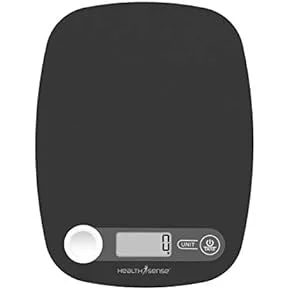
Get a portable weighing scale like this one:
-
Weigh the empty plate.
-
Record the plate weight.
-
Add your food to the plate and take a photo.
-
Weigh the plate again with the food on it.
-
Calculate the food weight:
total weight - plate weight -
Send the photo and food weight to Google's Gemini
-
Maintain a log and record the total estimated calories and macros in MacroCodex at the end of the day.